
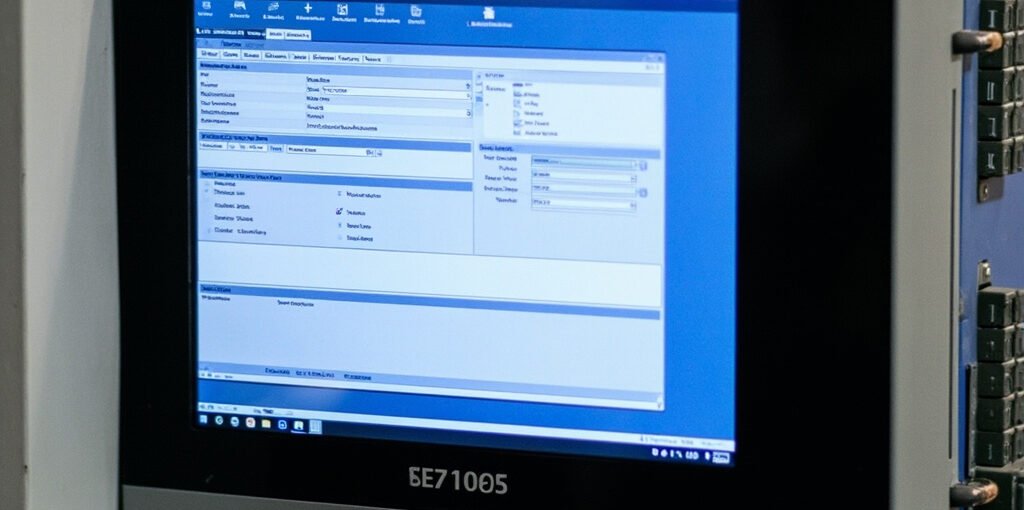
The Siemens S7-1500 represents a significant advancement in industrial automation. As the successor to S7-300/400, it offers enhanced performance and seamless integration with TIA Portal. This tutorial guides you from hardware setup to your first functional program.
📋 Table of Contents
- S7-1500 Hardware Ecosystem
- Installing TIA Portal
- Hardware Configuration
- Programming Fundamentals
- Your First Program
🖥️ S7-1500 Hardware Ecosystem
The S7-1500 modular PLC system offers exceptional flexibility. CPU range from compact CPU 1501 to powerful CPU 1518-4 PN/DP for complex applications.
⚙️ Installing TIA Portal
TIA Portal V17 or later is required. Available editions: Basic (S7-1200), Professional (full S7-1500), Professional Plus (advanced tools).
- Create new project → Project View
- Access device catalog, programming editors
- Unified platform for PLC, HMI, drives
🔌 Hardware Configuration
Add new device → Select CPU model → Configure IP addresses → Add I/O modules.
📝 Programming Fundamentals
S7-1500 supports IEC 61131-3 languages: LAD, FBD, ST, STL, SFC. Ladder Logic is recommended for beginners.
Program Organization
- OB1: Main cyclic program
- OB30: Cyclic interrupt
- OB100: Startup (runs once)
- FC: Functions (reusable code)
- FB: Function Blocks (with state)
- DB: Data Blocks (storage)
🎯 Your First Program
Bottle Counting Example: Count bottles passing on conveyor, stop when batch of 50 is complete.
Ladder Diagram
Main Loop
💡 Tips for Beginners
- Use symbolic addressing (not absolute)
- Document programs with comments
- Test programs in simulation mode first
- Use online diagnostics for troubleshooting
🎯 Conclusion
Mastering S7-1500 and TIA Portal is essential for modern control engineers. Practice with simulation, start simple, and progressively tackle complex applications.