
RSTL Automation | Technical buying guide
Siemens PLC Programming with TIA Portal: A Beginner鈥檚 Practical Guide
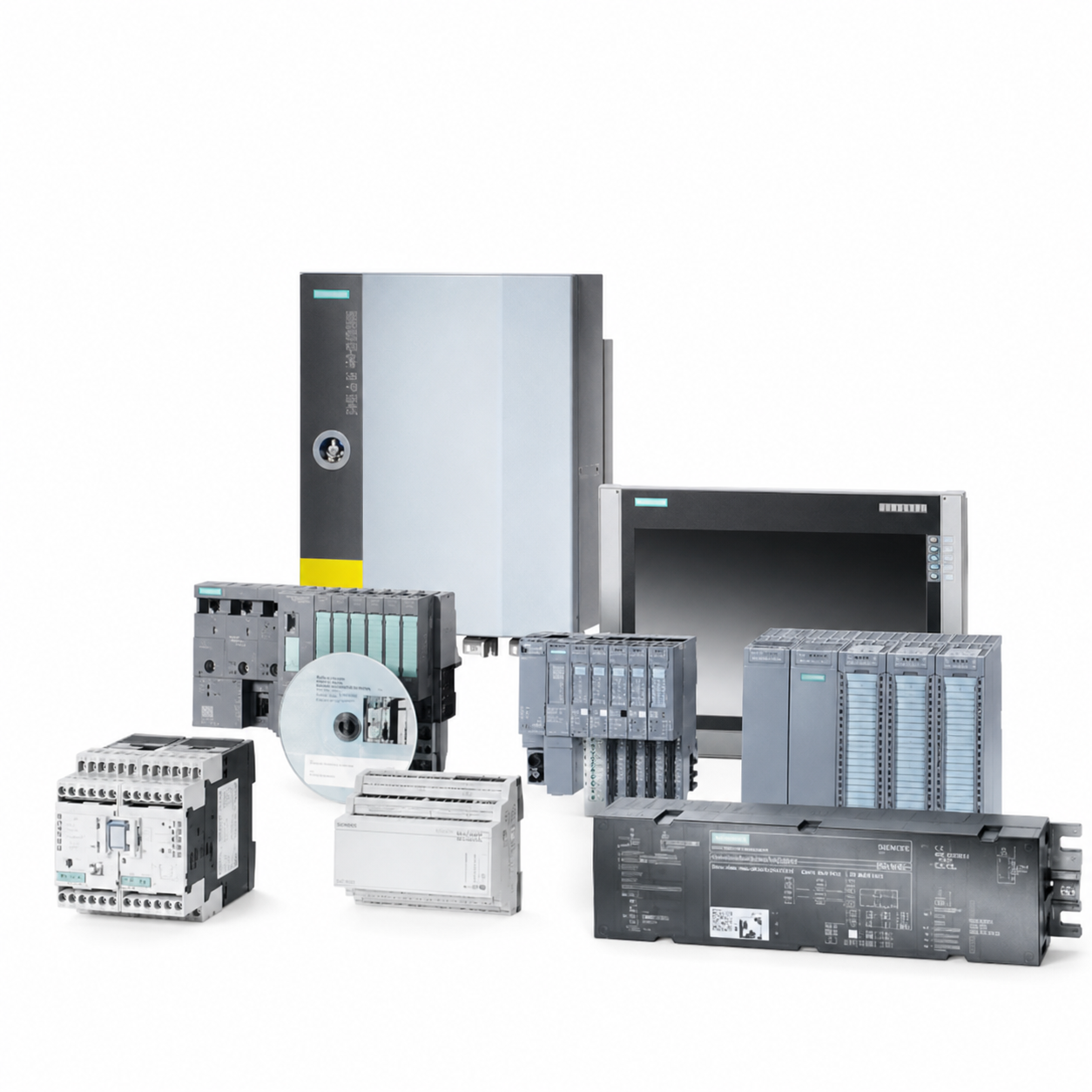
TIA Portal is used to configure and program Siemens automation systems. For beginners, the fastest way to reduce commissioning risk is to treat programming as a structured engineering process: define the hardware, map I/O, build tested program blocks, verify communications and document every change.
1. Confirm the hardware configuration
Before writing logic, record the exact CPU, firmware, I/O modules, communication devices, HMI and drive interfaces. A project created for the wrong hardware reference can create download, diagnostic or operational problems later. Preserve the original project before changing an existing machine.
2. Create a clear tag structure
Use meaningful names for inputs, outputs, internal states, alarms and setpoints. For example, a tag name should describe the device and function rather than only an address. Good naming improves troubleshooting, HMI design and future maintenance.
3. Build modular program blocks
Separate machine functions into reusable blocks where practical: start/stop control, motor logic, alarms, analog scaling, communication handling and sequences. Keep safety functions within the appropriate approved design and do not modify safety logic without the required competence and validation.
4. Test before commissioning
Use simulation, offline review and controlled testing where available. Verify normal operation, fault responses, interlocks, manual mode, automatic sequences, power recovery and communications. A successful download is not the same as a validated machine.
5. Integrate HMI and drives deliberately
HMI tags, alarm text, recipes and user permissions should be verified against the PLC program. For drives, document command source, speed reference, fault reset path and feedback signals. These interfaces are common sources of start-up issues.
6. Keep a commissioning record
Record the project version, CPU firmware, final parameter changes, IP addresses, backups, passwords under your organization's security policy and test results. This is essential when sourcing a spare CPU, HMI or communication module in the future.
Spare-parts note
If a PLC has failed, do not download a project to an assumed compatible replacement until the full part number, firmware, safety requirements and configuration are checked. Matching hardware may still require engineering review.
Need help sourcing the hardware?
RSTL Automation supplies industrial automation components and can check availability for requested Siemens PLCs, HMIs, drives and legacy spares. Send the full MLFB, photographs and required quantity for a quote. RSTL Automation is an independent supplier and is not affiliated with or authorized by Siemens.
A beginner-friendly commissioning sequence
Start by checking that the hardware configuration matches the physical cabinet. Next verify I/O indications without driving the machine, then test individual functions under safe conditions, and only afterwards test automatic sequences. Keep a written change log. This sequence makes it easier to separate wiring, programming and process issues.
Documentation is part of programming
A useful project contains readable tag names, comments, alarm descriptions and a version record. These details help the next technician troubleshoot a fault and help purchasing identify a spare. Poorly documented projects increase the risk that a routine hardware failure becomes a long investigation.
FAQ: Is it safe to download a project after replacing a CPU?
Only after the hardware reference, firmware, safety requirements, configuration and backup have been reviewed. A download can change a running system. Follow site change-control procedures and test in a safe condition with qualified personnel.
For a precise availability check, send the full MLFB/order number, clear label photographs, quantity, required condition, destination country and required delivery date. Include cabinet or application context if the part is a CPU, drive, HMI, communications module or safety-related device. This allows the request to be reviewed as a specific item rather than an assumed substitute.